Showing posts with label Smartboard. Show all posts

14 November 2017

Numeracy websites

Here are a the websites that were recommended at our recent development session to support numeracy in class (Click the text under each picture to visit the website):


Don't forget about about the Primary Maths goes that should be installed on all computers (let me know if you don't have these!) in the Start menu, in the Interactive Resources folder. There are fantastic time, measure, money and times tables games and supporting worksheets to name but a few - definitely worth exploring. You should find something to support pretty much every area of maths.


27 April 2017

Vocabulary Ninja

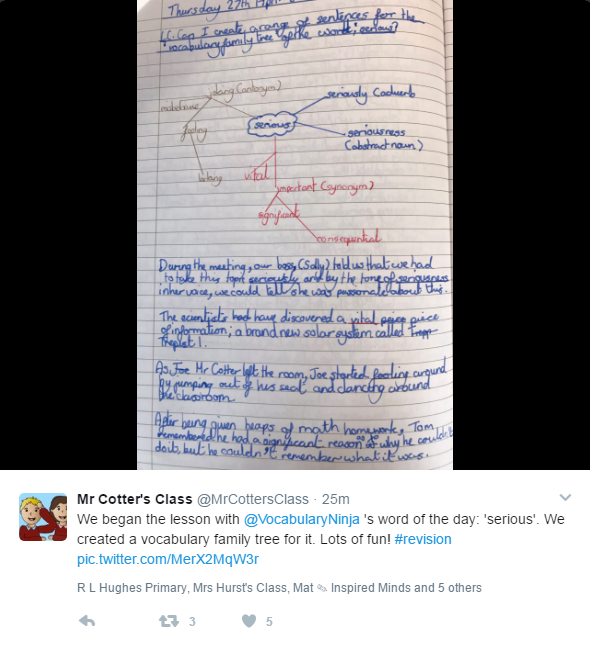
This is worth a look - a website that shows a word of the day for upper or lower primary, and a literacy question to try. 
Here's an example of what's on the website, and below is an example of a class activity that was posted on Twitter.


19 August 2016

ICT Tools for Teaching

This website has been around for a while now, and you might know about the spinner random name picker:
and there are loads of other fantastic tools that have been added for using on your Smartboard, or for children using in ICT/ literacy lessons. For example, this headline generator:
and this one:
There are lots more interesting tools to check out. Go to www.classtools.net

22 October 2014

Using Film in the Classroom


The Guardian published a couple of interesting articles this week about teachers using film in the classroom - could be a good use of your CPD time if you want to take a look.

The role of film in school

10 ideas for using film - We have the Lego resources mentioned here in a folder in the staffroom which came in last year, and digital copies are in the shared drive.

20 October 2014

Diwali

Some resources for teaching your class about Diwali - click the link below the picture:

A great video on Diwali as a festival of light:
You can also watch it here and find more videos on Diwali.


Background information on Diwali


Interactive Story and quiz

Background information on Hinduism - there is a link to further resources on Diwali on the page.


20 September 2014

Sounds for your classroom


Noisli is a lovely website where you can play a variety of different sounds, and mix them together, combining them to create background sounds to create atmosphere in your classroom (or at home if you like!)
Once you've selected your sounds, the website changes colour to suit the mood. This could be a lovely way for your children to talk about what helps them concentrate and they could try mixing sounds to get the balance right, or you could use it in Big Writing lessons either as background noise or as inspiration when writing about settings.

15 September 2014

Teaching with ICT

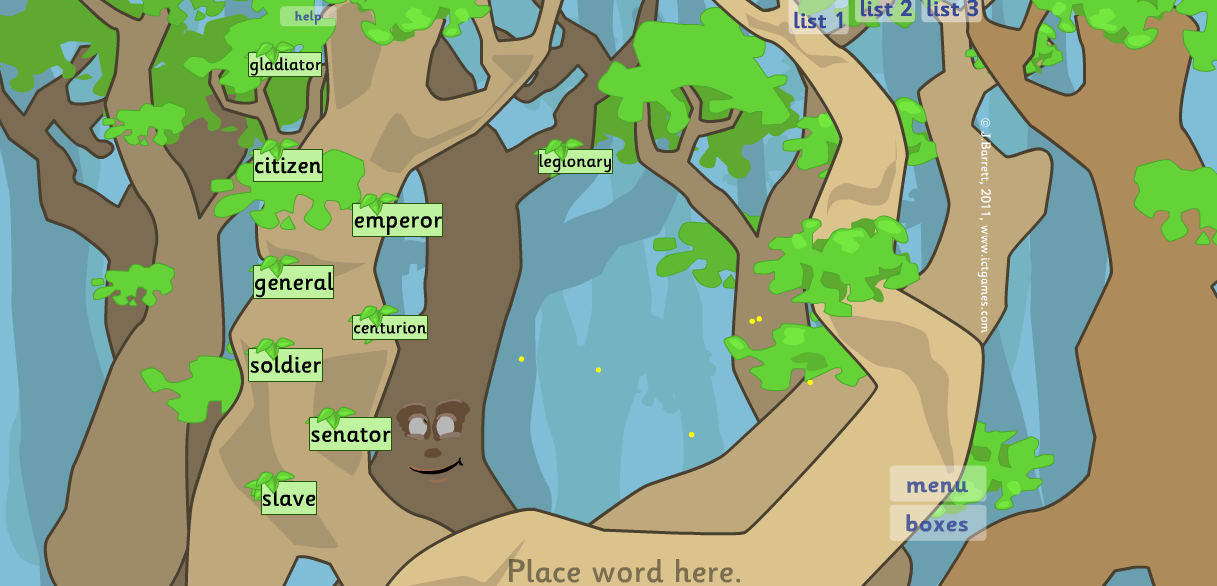
I've found the ICT games website invaluable to help teach with ICT in the classroom, and have used it often on a Smartboard to teach to the whole class, as well as for group and individual activities. It's probably best for lower stages of school, but there are a few things that are useful further up the school too. There is a vast amount of useful stuff on the website, so I've just put a few highlights below, please explore the site to find more.

Some ways it could be used on your class Smartboard:


The Wordy Woods is a great way to display words during writing. The children can add to the list, and these are displayed on a tree. Dragging a word to the bottom of the screen enlarges it. There is the option of having three lists, so these could eb categorised however you wish eg adverbs, emotion words, and adjectives. The words are saved too - you don't need to retype them when you next go to the site.


Word Bingo is great for group games. There are ready made high frequency word lists and ready made lists to print off.

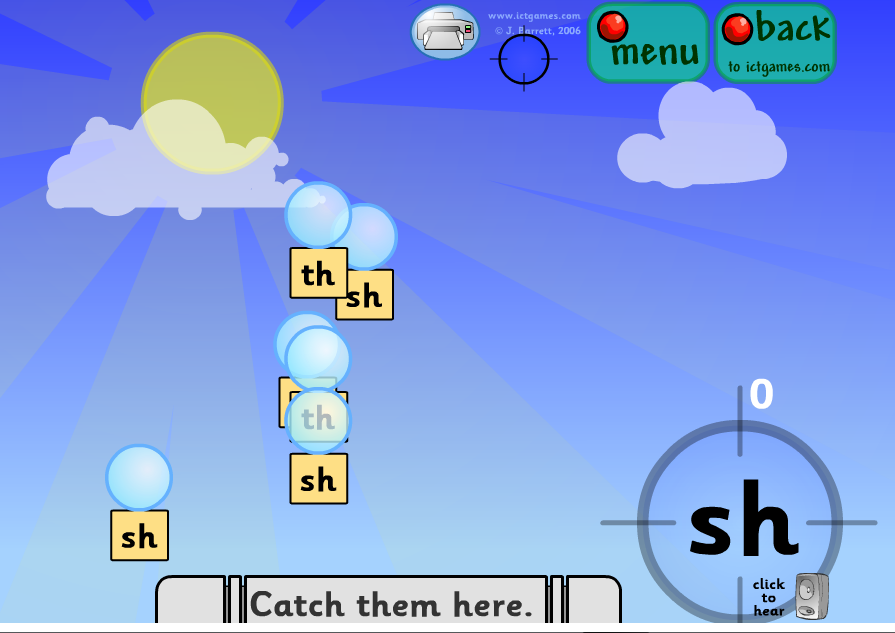
Phoneme Pop is great for groups to play as part of a carousel of activities. The children take turns to pop the bubbles which match the sound they hear.

Techno Tortoise (!) is great for demonstrating how to use a numberline. There is a game too.

This Spanish interactive date chart will be useful next year.


Noise getting too much?


Calm Counter

Bouncy Balls
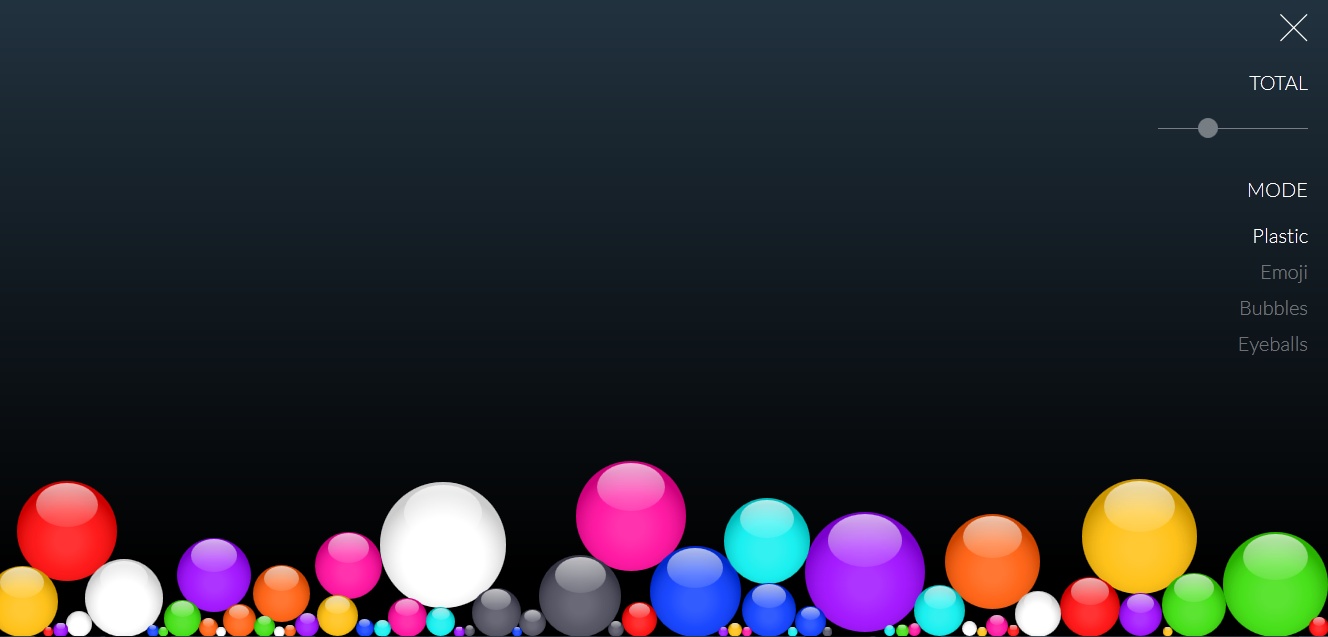
 I've found these two websites are great visual ways to remind your class to use quiet voices when it all gets a bit too hard to think during group work. Its possible to have discussion and chat without having to shout to be heard, and these websites help remind the children of that.
Click here for the calm counter, and here for some animated bouncing items that are activated by sound.

5 April 2014

Stimulus for Writing


This website has a virtual tour of the grounds of a wedding venue; it would be great as a prompt for writing about Spring or going for a woodland walk. You can rotate the view in every direction, so can look at the sky too. I find using a virtual environment like this can be useful when writing paragraphs - each view of a different item or scene can be written as a different section.
Rather than continuing on down the path, children could write about where the path might lead and make a descriptive piece into a story if they like.

24 August 2013

Sounds

This is an amazingly simple sound board, which you could have on your Smartboard for children to mix their own sounds for the classroom. This vould be for creating an atmosphere for storywriting, or just for creating a calm atmosphere! (P4 classes might enjoy the bird song this term).Click here.

Smartboard Resources

Click here for the Modern Chalkboard website. There are a few good interactive activities based mainly on maths and grammar, but also some science and social studies files too. You need to download the Smartboard files to use, but it's quick, easy and FREE!

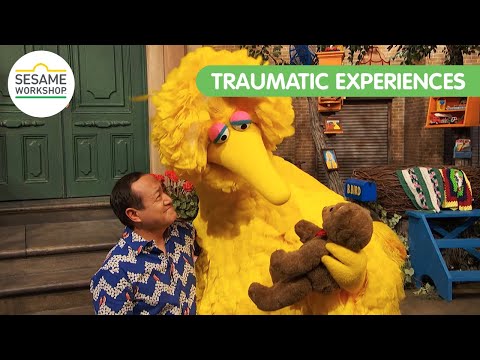
Sesame Street helping children who have experienced trauma

You may have heard about the fantastic work Sesame Street does to support children, including their inclusion of a character with autism o...